Tools for Students and Lecture
The thirty-five simulations for CHEM V101 have a page of their own, CHEM V101 Interactive Simulations, which also describes how they were built.
Comments matched to wrong answers on lab quizzes
In September 2026 I began sending automatic comments on CHEM V101 lab quizzes, and have kept doing so since. Each wrong choice on a multiple-choice question has an explanation written in advance. After a quiz is graded, a script built with the agent puts together the explanations for the letters a student chose and posts them, with the graded scan, as a comment on that student's submission. It works when a quiz is entirely multiple choice; free-response work is still graded by hand.
A classroom clock and timer
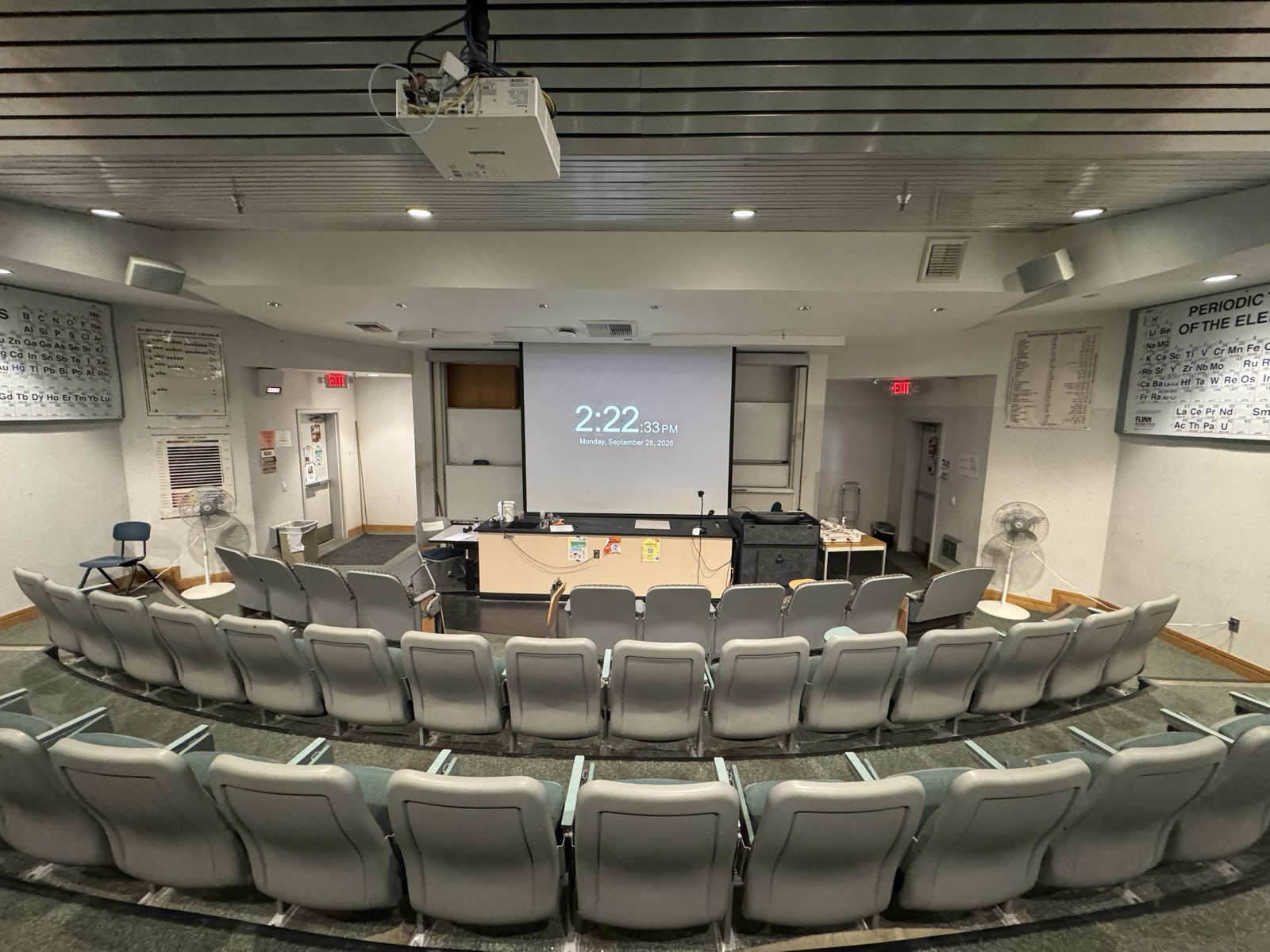
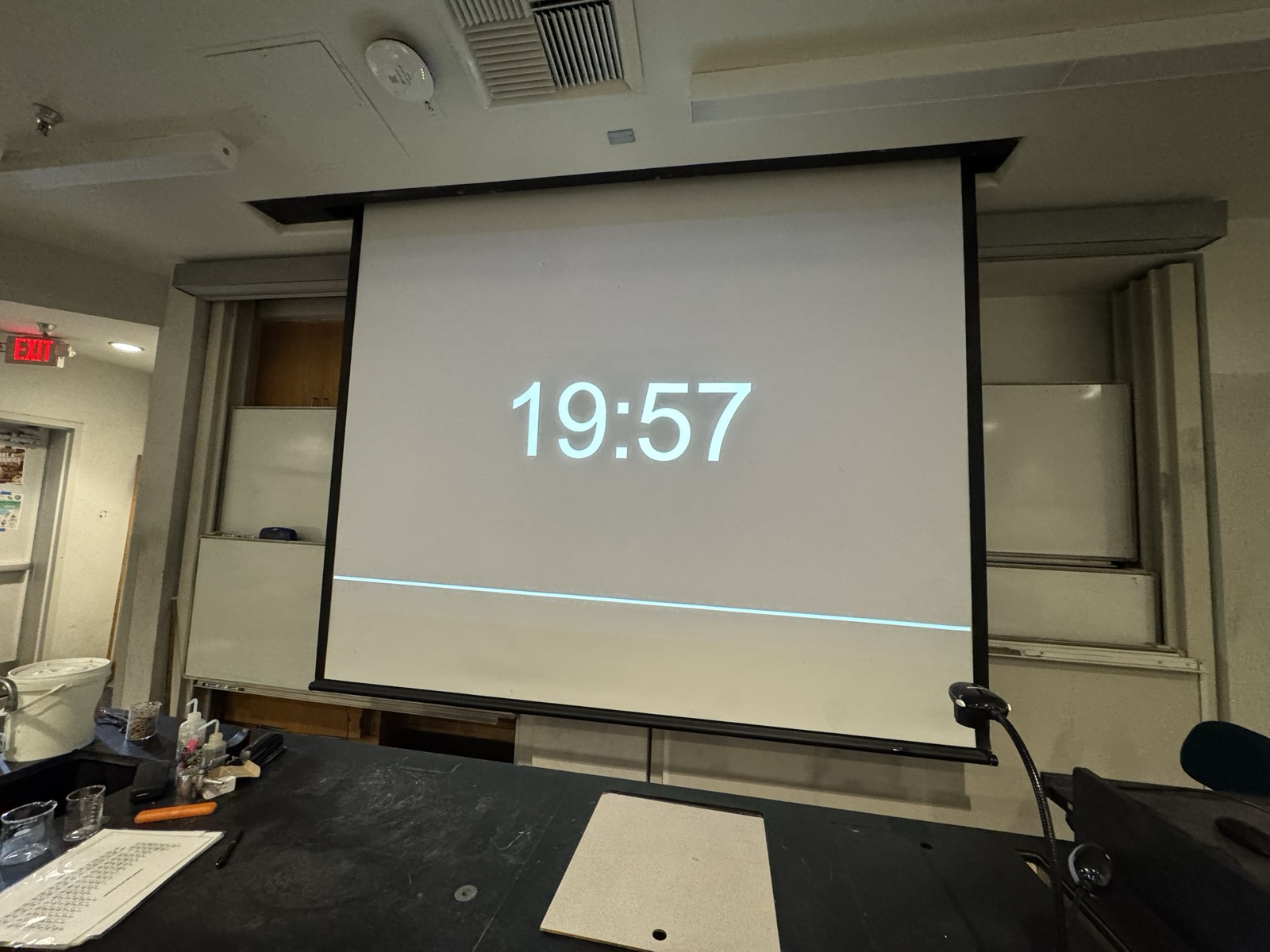
Once the simulations were working, I wondered whether I could make a clock as well. I put a timer on the projector whenever the class is working against time, such as a quiz or fifteen minutes on a practice set. The free clock site I had been using had filled with advertising, which is a distraction in front of a class during a quiz. So I made my own (tools.rubyeye19.com/clock). It is a single HTML file with no external dependencies, a clock and a countdown timer readable from the back of the room. Because nothing loads from outside, it keeps working if the network drops mid-class.
The same site also holds a map of places to eat around Oxnard and Ventura (tools.rubyeye19.com/eats). In October 2026 I put it in the orientation module of my three Canvas courses and asked students to recommend places they like. A recommendation comes in through a form, and I review it before it goes on the map. Students recommended nine different places in the first two days.
Next steps
Until now I have brought AI into my work in the same order each time, starting from something that was missing and then finding a tool to fill it, as with keeping track of what I had promised students or posting the same class summary to two Canvas shells. That order made sense while I understood my own work far better than I understood the tools, and adopting a tool I neither needed nor understood would have been a risk.
My understanding of the tools has since caught up with my understanding of the work, so I can start from an idea as well as from a problem. The simulations are one example. They started from something I wanted, which was to give students a wider range of things to try and practice, and having them inside Canvas would make my hybrid section more fully a hybrid course. Building them would have been far out of reach if AI were not writing the code, and once it was, it became a matter of deciding to try.
The next step is to keep trying ideas I would once have set aside, and to check each one before it reaches a student, as I did with the simulations.