Connecting AI to Canvas
The last of the levels in Getting Started with AI is where AI works directly with websites and services, instead of handing me text to carry over, and where I build tools that run on their own. In my work the service that matters most is Canvas, where every course at the college runs.
The Canvas API
Canvas is normally edited by clicking through its pages in a browser. It also has an API, a way for a program to reach a course directly without going through the screens. That lets my AI agent make changes for me. A change can be written down once as a script, a short set of instructions, and then run with one command however many pages it touches. I work this way in my own CHEM V101 courses, the chemistry department's shared course, and the Distance Education Advisory Group's course. Every change follows the same order: read what is there, run the change without saving it, show me the result, and only then write.
A Canvas course for the Distance Education Advisory Group
The Distance Education Advisory Group's working material was scattered. Older agendas and minutes sat on the college website, newer ones in a public board system that shows one meeting at a time, and the documents people shared during meetings lived in Teams chat threads. Answering "did we already discuss this?" meant knowing where to look and opening meetings one by one.
I proposed a Canvas course for the group as its central repository. It came up at three meetings between March and May 2026, and in May the group supported it. Matthew Moore, one of the group's tri-chairs, created the shell that afternoon.
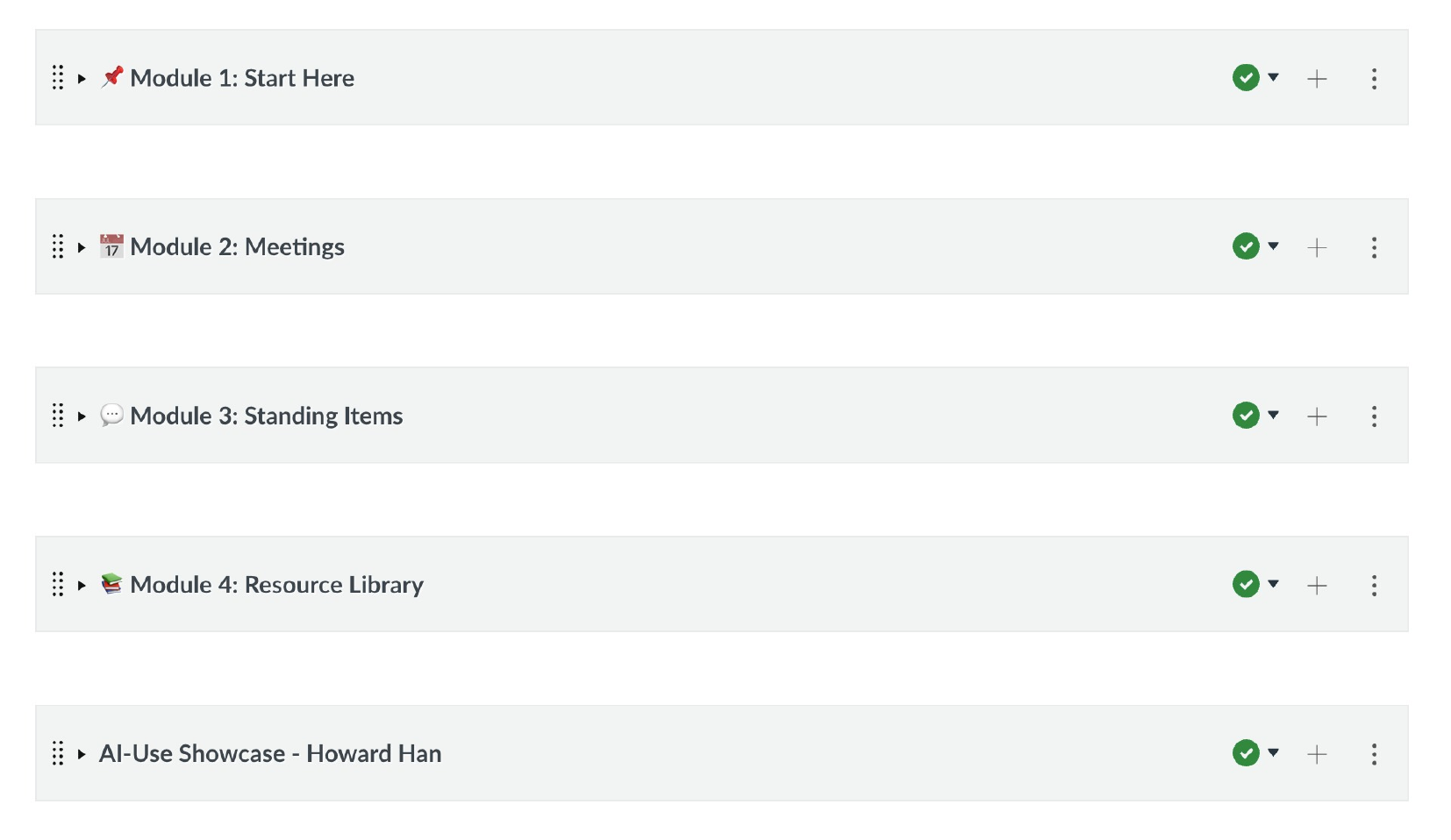
I built the structure that evening, before any content went in. A Start Here module holds the group's charge, its roster and roles, its goals, its governance structure and the district's DE handbook. A Meetings module is organized by academic year. A Standing Items module mirrors the standing items on the group's own agenda: the DE strategic plan, AI and academic integrity, the testing center, accessibility. A Resource Library holds the rest. The meeting record went in once the frame was there, thirty-five meetings from September 2021 to May 2026 and sixty-eight documents. I gathered the older PDFs from the college website, and Claude Code sorted them by year and uploaded them. For the board system a script finds every published meeting, renders the agenda and minutes to PDF, and names them by date. Over the summer other members began adding to the course and editing its pages.
The day the course was created I asked Matthew Moore to add Nectir, an AI assistant the college already had, and he installed it the next day. In June Meg Phelps, Instructional Technologist and Designer in Ventura College Distance Education, switched on its connection to Canvas at my request, and I configured it to answer from the group's own minutes and pages.
At the first meeting of the fall, on September 10, the course was an agenda item. The group agreed without objection to enroll every member, and at a member's request I shared my screen and walked everyone through it. The next day Ali Olson-Pacheco, a member of the group, used Nectir to ask what work had already been done on revising the group's charge. It walked her through a year of minutes, and she found the working draft on the course's first page. I checked its answer against the minutes and corrected one line, because a pending clarification it had attached to the charge belonged to a different agenda item. Matthew Moore replied that the research would keep the group from reinventing the wheel.
One academic year, 2024–25, is still missing from the course, the older files still carry their original names, and the sixteen PDFs the script rendered lack the accessibility tags the older, hand-made ones have. All three are on my list.
The chemistry department's shared course
The chemistry department keeps a shared Canvas course that works as a library for every chemistry instructor: syllabi, lab manuals, lecture materials, exams and videos for five courses. Over the years the files had piled up with no naming convention, the modules were organized in different ways, and old and current versions sat side by side, so an instructor opening it could not easily tell which version was current. I took on reorganizing it in July 2026.
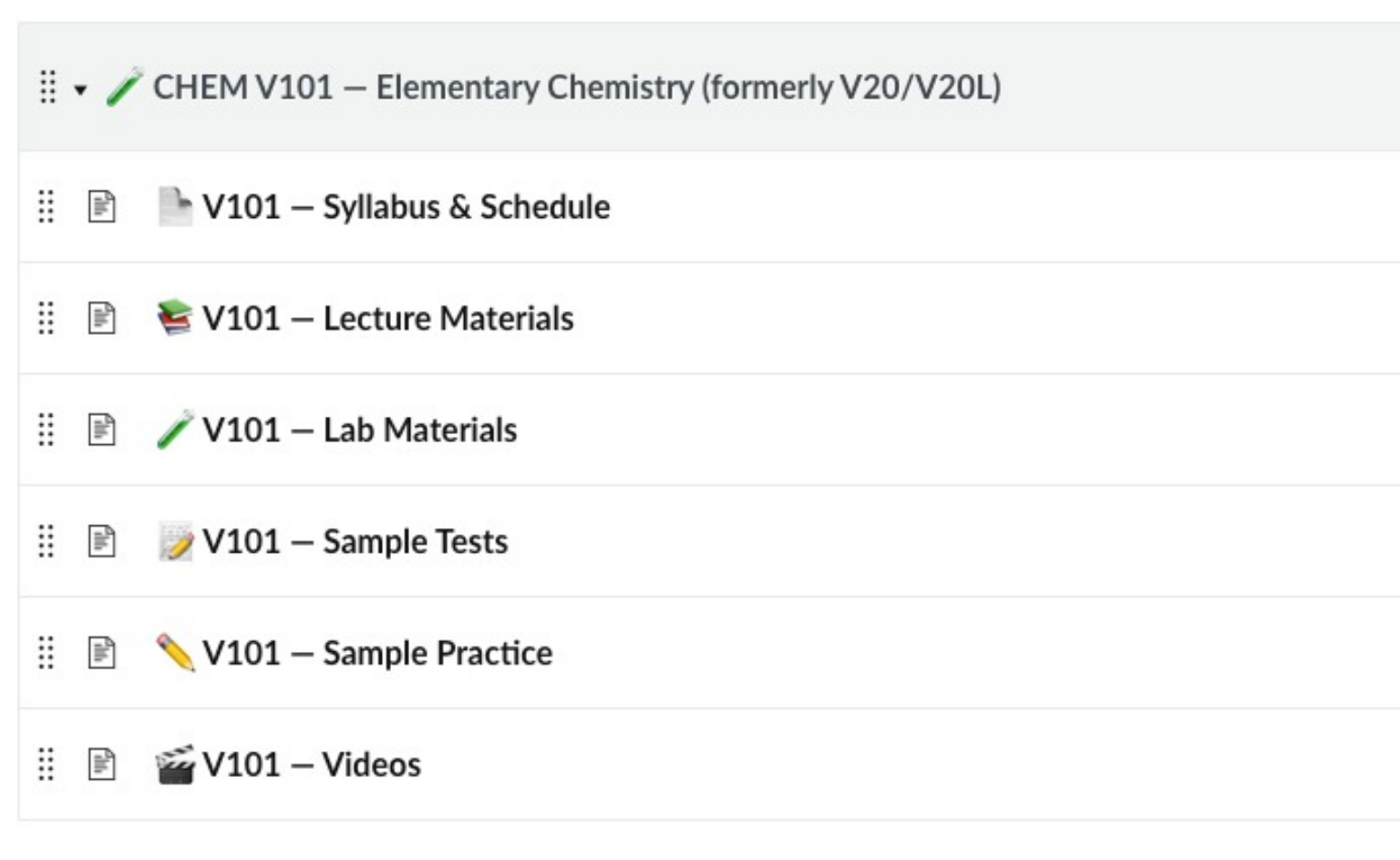
Because the course belongs to the whole department, every bulk change went through the same steps. The agent first produced a table of what it would change, without changing anything, and I approved it. It then ran the change on one or two items and read them back from Canvas before the rest went ahead. Nothing was deleted: old versions were marked and hidden, and every change was logged so it can be undone. Each course now has the same six sections (Syllabus & Schedule, Lecture Materials, Lab Materials, Sample Tests, Sample Practice, Videos). Across the course, 398 files were renamed to one convention, the current V101 lab manual was uploaded (until then the course had held only the 2019 edition), and forty-three videos that had been stuck in unpublished modules were linked from new Videos pages. A "What Changed & When" page, generated from the log, lets colleagues find where their files went. In August, after I approved each batch, an agent added the markup a screen reader depends on to 140 table headers across forty pages, most of them pages the reorganization itself had created.
The course also holds the department's meeting log, a summary page for each department meeting that I have kept since April 2025. There are eleven as of September 2026.
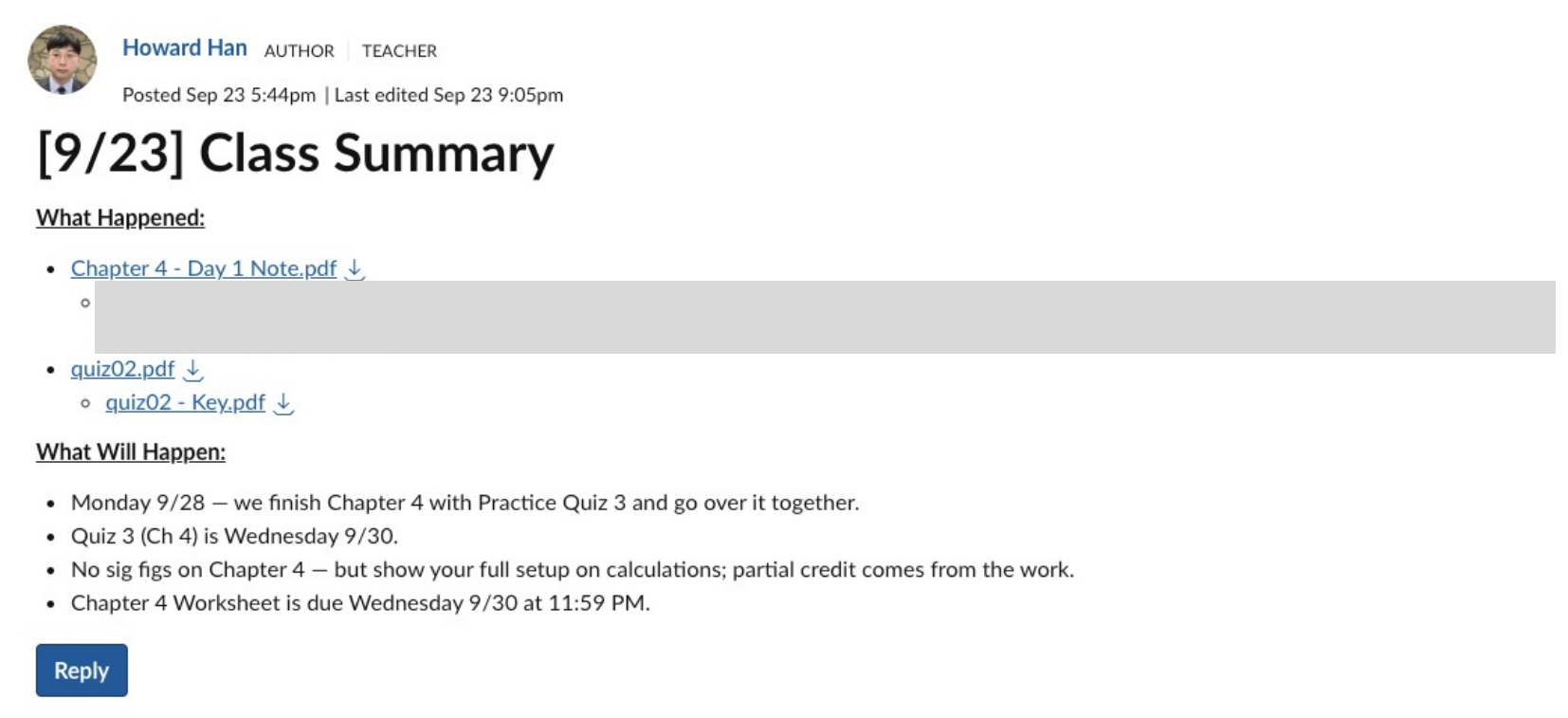
One course in two Canvas shells
Since Fall 2025, lecture and lab have been combined under one CRN, and Canvas creates a separate shell for each CRN, so a single course can end up split across several shells. The department has used two remedies: a blueprint, which copies one master shell into the others, and a hard link, which merges sections into one shell. I teach all of my late-start CHEM V101 sections, so I merged them into one shell. My two full-term sections could not be merged, because another instructor teaches one of the lab sections, so that course runs in two shells. After each class a summary has to go into both, in two parts: What Happened (the day's notes, the recording link, any quiz and its key) and What Will Happen (the next class, upcoming quizzes and deadlines). The day's files also have to be placed in the right module in each shell. I used to do all of that by hand, twice. Now one script does it for both shells.